


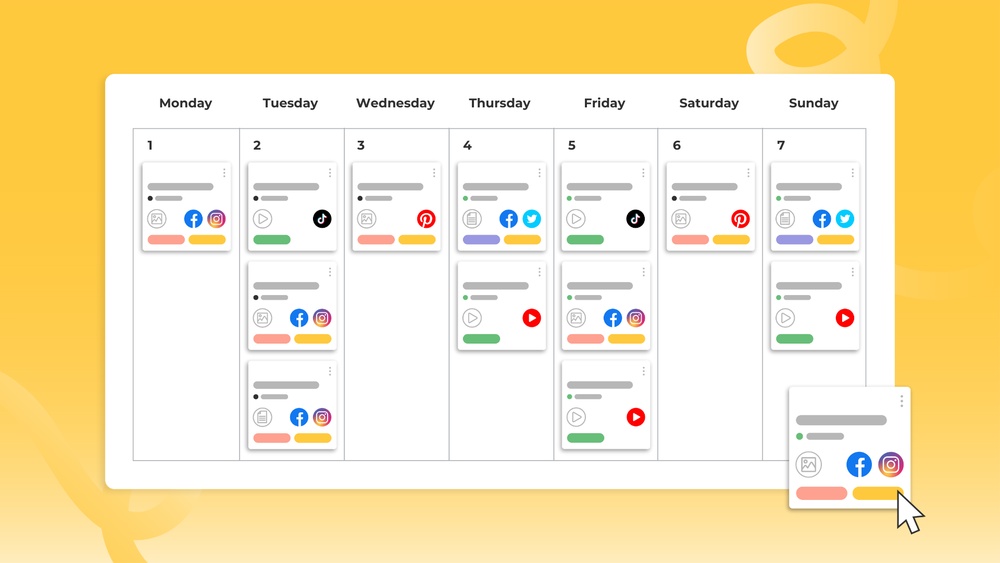
Are you struggling to keep your content organized and consistent? A content calendar might be exactly what you need to take control of your publishing schedule.
Imagine having a clear plan that shows you what to post, when to post it, and how to stay ahead of deadlines. This not only saves you time but also helps you connect better with your audience. You’ll discover how a content calendar can transform your content creation process and boost your results.
Keep reading to unlock simple steps that will make your work easier and more effective.
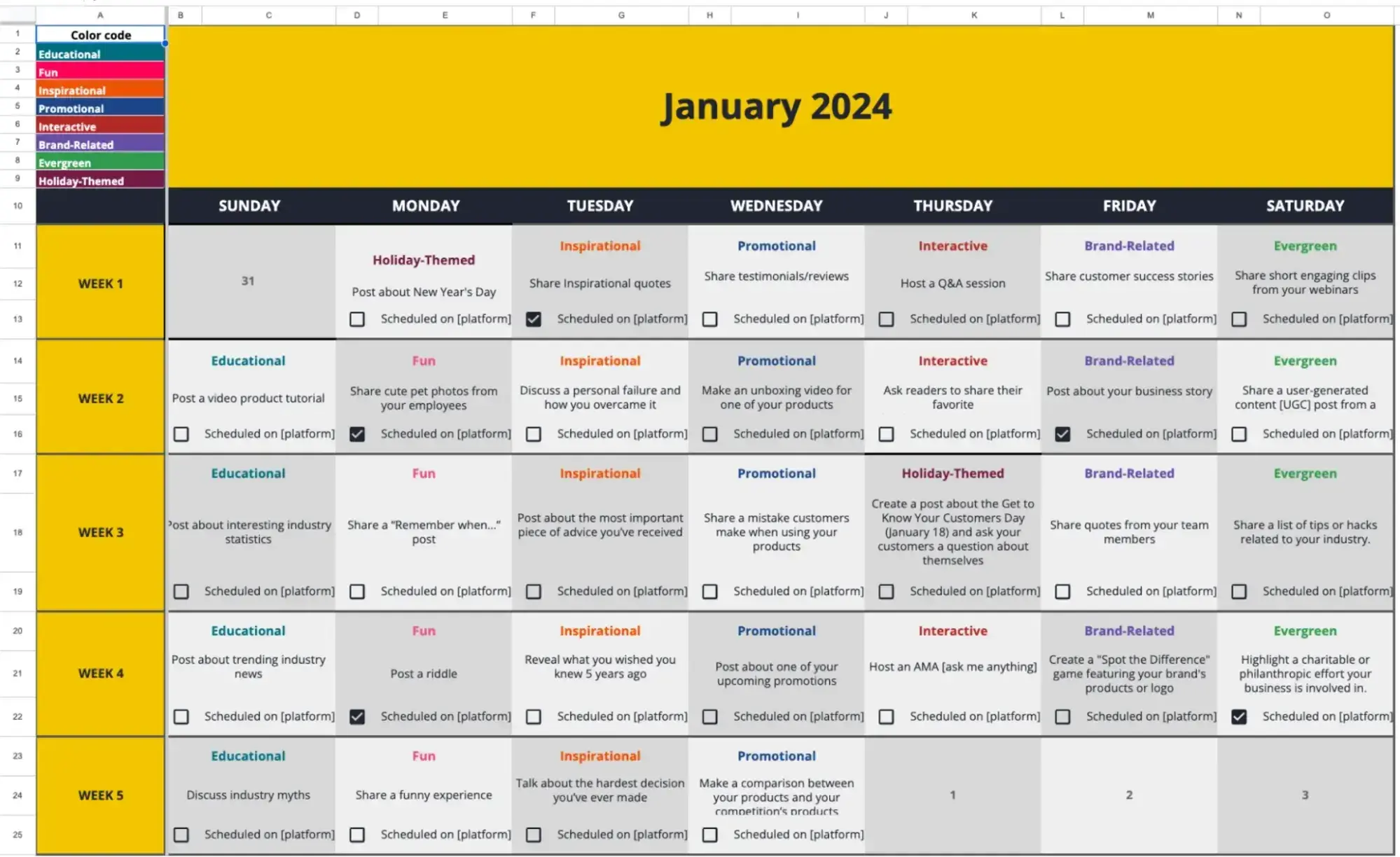
Credit: blog.hubspot.com
Benefits Of A Content Calendar
A content calendar helps plan and organize all your content in one place. It saves time and reduces stress by showing what to publish and when. This tool is useful for bloggers, marketers, and teams to stay on track. The benefits go beyond simple scheduling and improve many parts of content creation.
Improved Organization
A content calendar keeps ideas and deadlines clear. You see all posts and topics at a glance. This prevents last-minute rushes and forgotten tasks. Organizing content ahead helps balance different themes and formats. It also allows easy tracking of progress and updates.
Consistent Publishing
Publishing regularly builds trust with your audience. A calendar helps keep a steady flow of content. Readers know when to expect new posts. Consistency improves search engine rankings and boosts visibility. It creates a loyal audience who returns often.
Enhanced Team Collaboration
Teams can share the content calendar to work together smoothly. Everyone knows their tasks and deadlines. It reduces confusion and duplicate work. Communication improves because all details are visible. Collaboration becomes simpler, saving time and effort.
Better Audience Engagement
Planning content allows for better targeting of your audience. You can schedule posts around events or trends. This makes content more relevant and interesting. Engaged readers are more likely to comment, share, and follow. A content calendar helps build a strong connection with your audience.
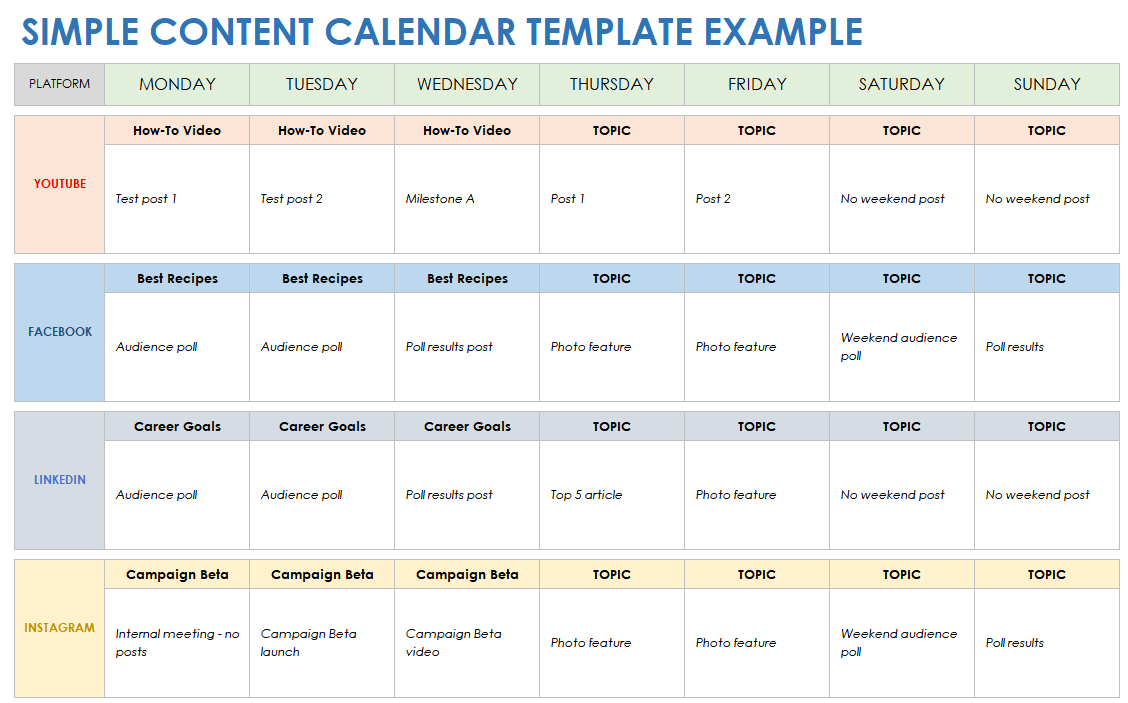
Credit: www.smartsheet.com
Types Of Content Calendars
Content calendars help organize and plan your content over time. They keep your team focused and ensure consistent publishing. Different types of content calendars serve various needs. Choosing the right one helps you stay on track with your goals.
Editorial Calendars
Editorial calendars plan blog posts, articles, and other written content. They show what topics to cover and when to publish. These calendars help writers and editors meet deadlines. They also organize ideas for future content. This keeps your blog or website fresh and updated.
Social Media Calendars
Social media calendars schedule posts for platforms like Facebook and Instagram. They help plan posts by date and time. These calendars include images, captions, and hashtags. Teams use them to maintain a steady online presence. This way, you avoid last-minute posting stress.
Campaign-specific Calendars
Campaign-specific calendars focus on special marketing projects. They track all content related to one campaign. This includes emails, ads, and social posts. These calendars help teams coordinate efforts and timing. They keep campaigns organized and running smoothly.
Key Elements To Include
A content calendar helps organize your marketing efforts clearly. It keeps your team on track and avoids last-minute stress. Several key elements make a content calendar effective and easy to use.
Content Topics And Themes
List clear topics for each content piece. Themes help keep your messages consistent. Plan topics that match your audience’s interests. This keeps your content relevant and engaging. Use themes to connect content across different dates.
Publishing Dates
Set exact dates for publishing each content. Deadlines help maintain a steady flow of posts. Mark special events or holidays in your calendar. This guides you to create timely and useful content. Publishing dates keep your schedule organized and clear.
Assigned Responsibilities
Assign tasks to team members clearly. Everyone should know what to do and when. This avoids confusion and missed deadlines. Include who writes, edits, and posts each content. Clear roles improve teamwork and content quality.
Content Formats And Channels
Specify content types like blog posts, videos, or infographics. Choose the channels for publishing, such as social media or email. Match content format with the platform audience. This ensures your content performs well and reaches more people.
Tools For Creating Content Calendars
Creating a content calendar helps organize your posts and deadlines. Choosing the right tool can make the process smoother and more efficient. Various options exist, each with unique features and benefits. Select one that fits your team size, budget, and workflow.
Spreadsheets And Templates
Spreadsheets offer a simple way to build content calendars. Tools like Excel or Google Sheets work well. You can customize rows and columns to track dates, topics, and status. Many free templates are available online. They are easy to use and share. Great for beginners and small teams.
Dedicated Software Solutions
Specialized software helps manage content calendars with extra features. These tools often include reminders and collaboration options. Examples include CoSchedule, ContentCal, and Trello. They provide visual timelines and content planning boards. Ideal for teams needing more structure and automation.
Project Management Platforms
Project management tools also support content calendar creation. Platforms like Asana, Monday.com, and ClickUp work well. They combine task tracking with calendar views. Teams can assign tasks, set deadlines, and monitor progress. Useful for complex projects with many contributors.
Steps To Build An Effective Calendar
Building an effective content calendar takes clear steps. It helps organize your content and saves time. A good calendar keeps your team on track. It also ensures consistent content delivery. Follow these steps to create a useful calendar for your needs.
Set Clear Goals
Start by defining what you want to achieve. Goals guide your content topics and style. They help measure success later. Examples include growing website traffic or increasing social media followers. Write down your goals to stay focused.
Conduct Audience Research
Know who you are creating content for. Research your audience’s interests and problems. Use surveys, comments, or social media insights. This information shapes relevant and helpful content. Audience research improves engagement and reach.
Plan Content Types And Frequency
Decide what kind of content to create. Mix blog posts, videos, and social media updates. Choose how often to publish each type. Balance quality with quantity to avoid burnout. Plan varied content to keep your audience interested.
Schedule And Assign Tasks
Create a timeline for your content pieces. Set deadlines for each stage of creation. Assign tasks to team members clearly. Use tools like calendars or project management apps. Scheduling and assigning helps meet deadlines and ensures smooth workflow.
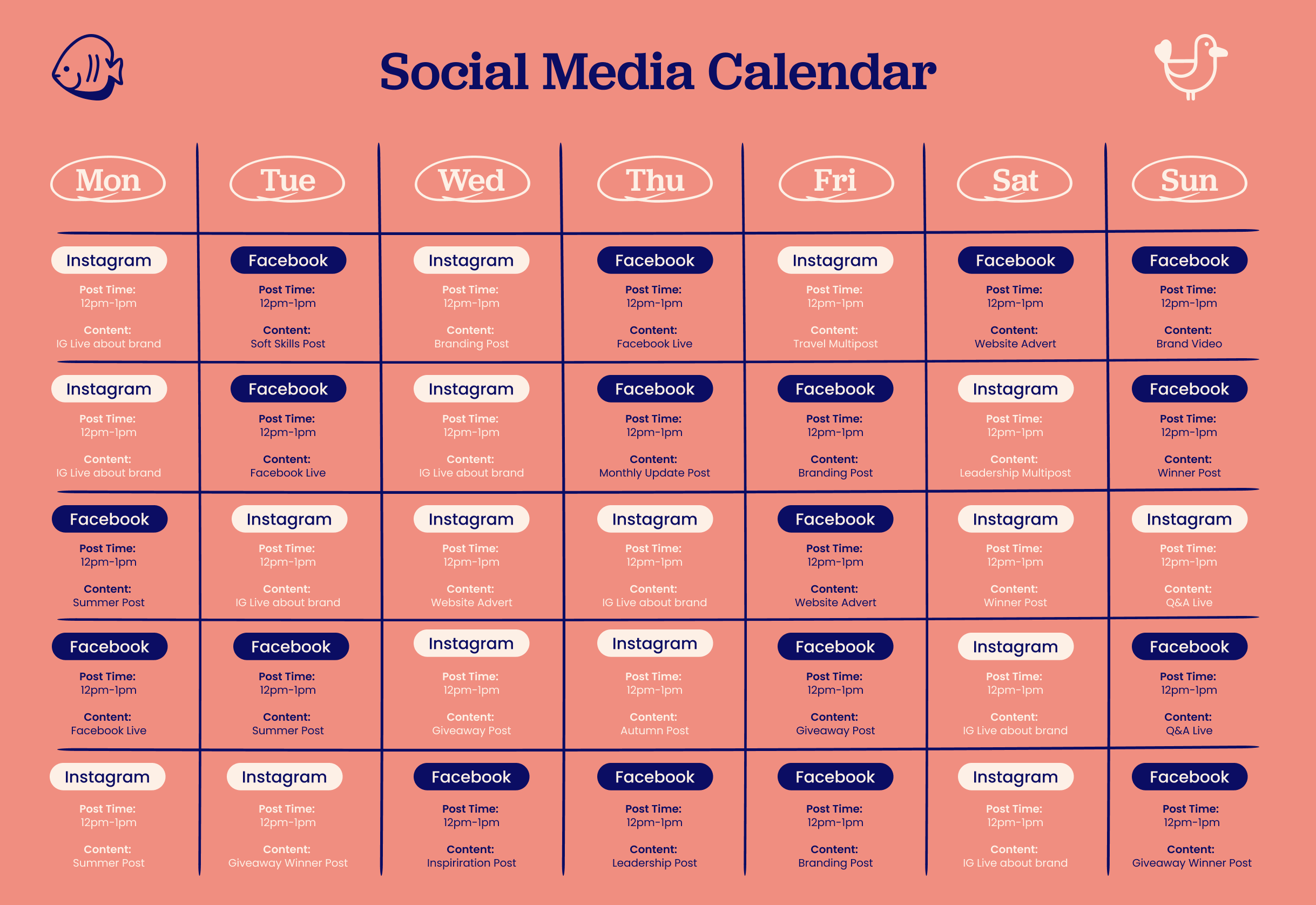
Credit: www.otterhalf.co
Tips To Maintain And Optimize
Maintaining and optimizing a content calendar helps keep your marketing organized and effective. It ensures content stays relevant and meets your audience’s needs. Regular updates and smart adjustments improve your results over time.
Regularly Review Performance
Check how your content performs each week or month. Use data like views, shares, and comments. See which topics get the most attention. Stop content that does not work well. Focus on what your audience likes. This review helps improve future content plans.
Adapt To Trends And Feedback
Stay alert to new trends in your field. Add trending topics to your calendar quickly. Listen to feedback from your audience and team. Change your content based on their needs. This keeps your calendar fresh and interesting. It helps you stay connected with your audience.
Keep Flexibility For Last-minute Changes
Leave space in your calendar for unexpected ideas. Sometimes urgent news or opportunities appear. Being flexible lets you add timely content fast. Avoid filling every day with fixed posts. This way, you can respond to changes without stress. Flexibility keeps your content dynamic and relevant.
Common Mistakes To Avoid
Creating a content calendar helps organize your posts and stay consistent. Mistakes can ruin your efforts and waste time. Avoiding common errors keeps your plan effective and manageable.
Overloading The Schedule
Too many posts can cause stress and burnout. It also lowers content quality and confuses your audience. Keep your calendar realistic with space for breaks and adjustments. Quality matters more than quantity.
Ignoring Analytics
Analytics show which content works best. Ignoring data leads to repeating weak posts and missing growth chances. Use insights to improve topics, timing, and formats. Let numbers guide your content choices.
Lack Of Team Communication
Poor communication creates mistakes and delays. Team members may miss deadlines or duplicate efforts. Regular updates and clear roles keep everyone on track. Collaboration boosts productivity and content quality.
Frequently Asked Questions
What Is A Content Calendar And Why Use It?
A content calendar is a schedule for planning content publication. It helps organize topics, deadlines, and platforms. Using one improves consistency, boosts productivity, and ensures timely content delivery. It also aids in strategic marketing and audience engagement by mapping out content in advance.
How Do I Create An Effective Content Calendar?
Start by defining your goals and target audience. Choose a calendar tool, then list content ideas with deadlines. Assign responsibilities and set publishing dates. Regularly update and review the calendar to stay on track and adapt to changes.
What Tools Work Best For Content Calendar Management?
Popular tools include Google Sheets, Trello, Asana, and CoSchedule. These offer easy collaboration, deadline tracking, and content organization. Choose a tool that fits your team’s size, workflow, and budget for optimal content planning.
How Often Should I Update My Content Calendar?
Update your content calendar weekly or monthly. Frequent updates help accommodate new ideas, shifts in strategy, and deadlines. Regular reviews keep the calendar relevant and ensure smooth content production.
Conclusion
A content calendar helps you plan and organize your posts easily. It keeps your ideas clear and your schedule on track. Using one saves time and reduces stress. It also helps you share content regularly and stay connected with your audience.
Start small and update your calendar often. Consistency matters most for building trust and growing your presence. A simple tool, but very effective for your content goals. Try it and see the difference yourself.