Have you ever scrolled through videos or articles and instantly clicked on one because its image caught your eye? That small image is called a thumbnail, and it holds a surprising amount of power.
Your thumbnail is the first thing people see, and it can make the difference between getting noticed or getting ignored. If you want more clicks, views, or readers, understanding how to create the perfect thumbnail is key. Keep reading to discover simple tips that will help your thumbnail grab attention and boost your success.
Importance Of Thumbnails
Thumbnails are small images that represent videos or articles. They help people decide what to click on. A good thumbnail can attract attention quickly. It makes content stand out in a crowded space. This increases the chances of getting more views or readers.
Thumbnails are not just pictures. They tell a story in one glance. They set the tone and give a sneak peek of the content. A clear and appealing thumbnail builds interest and trust. This is why thumbnails are very important for online content.
Impact On Click-through Rates
Thumbnails directly affect how many people click on a link. A bright and clear image draws the eye faster. People are more likely to click if the thumbnail looks interesting. This increases the click-through rate (CTR) significantly. Higher CTR means more traffic and better content reach.
First Impressions Matter
The thumbnail is often the first thing a user sees. It creates an instant impression about the content quality. A poor thumbnail can turn people away before they read or watch. A sharp and relevant thumbnail invites curiosity and trust. It helps set the right expectations from the start.
Credit: snappa.com
Design Essentials
Good thumbnail design grabs attention quickly. It helps viewers decide to click your content. Design essentials focus on colors, text, and detail balance. These elements create a clear and attractive thumbnail. Simple yet eye-catching designs work best.
Each part plays a role in making your thumbnail stand out. Bright colors, readable text, and clear images draw eyes fast. Avoid clutter and confusion to keep viewers interested.
Choosing The Right Colors
Colors set the mood of your thumbnail. Bright colors attract the eye quickly. Use contrasting colors to make text and images pop. Stick to a simple color palette to avoid confusion. Colors also show your brand personality. Use colors that match your content theme.
Effective Use Of Text
Text should be short and easy to read. Use large fonts that stand out on small screens. Limit words to a few key phrases. Avoid fancy fonts that are hard to read. Place text where it does not cover important images. Clear text helps viewers understand your content fast.
Balancing Simplicity And Detail
Too much detail makes thumbnails confusing. Too little detail makes them boring. Use simple images with key details to tell a story. Focus on one main subject or idea. Leave enough empty space to avoid clutter. Balance keeps your thumbnail neat and inviting.
Visual Elements
Visual elements play a key role in creating effective thumbnails. They grab attention and make viewers curious. Good visuals help explain what the video is about. They also build trust and encourage clicks.
Choosing the right images and design style can improve your thumbnail’s impact. Simple, clear visuals work best. Colors, shapes, and pictures all contribute to how viewers see your thumbnail.
Using Faces And Emotions
Faces catch the eye quickly. People connect with expressions. Happy, surprised, or curious faces invite viewers to explore more. Emotions tell a story without words. They create a bond between the video and the audience. Showing real feelings can increase interest and clicks.
Incorporating Brand Identity
Brand identity makes thumbnails recognizable. Use your logo or consistent colors. This builds familiarity and trust. Viewers can spot your videos easily among many. Keep your style simple and steady. A strong brand look helps build a loyal audience over time.
High-quality Images
Sharp, clear images look professional and inviting. Blurry or pixelated pictures reduce trust. Use images with good lighting and focus. High quality photos show you care about your content. They help your thumbnail stand out on any device or screen size.
Tools And Resources
Creating eye-catching thumbnails is easier with the right tools and resources. These tools help you design, edit, and find images quickly. They save time and improve your thumbnail quality.
Many tools are free and simple. Some offer templates and stock photos. These resources suit beginners and experts alike.
Free Design Platforms
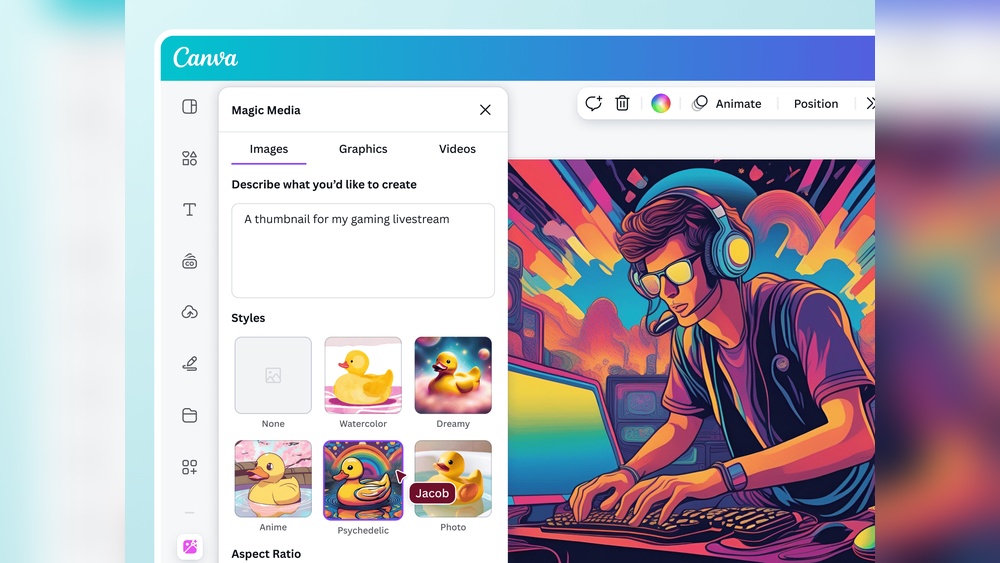
Free design platforms let you create thumbnails without special skills. They have drag-and-drop features for easy editing. Platforms like Canva and Figma offer many design elements. You can add text, shapes, and colors in minutes. These platforms work well on computers and mobile devices.
Stock Photo Libraries
Stock photo libraries provide high-quality images for thumbnails. Websites like Unsplash and Pexels offer free photos. These images cover many topics and styles. Using stock photos saves time on shooting your own pictures. Make sure to check the license before using images.
Thumbnail Templates
Thumbnail templates give a quick start to your design. They come in various styles and sizes. Templates help keep your thumbnails consistent. You can customize colors, fonts, and images easily. Many free templates are available online for YouTube and blogs.
Testing And Optimization
Testing and optimization help improve thumbnail effectiveness. They make thumbnails more attractive to viewers. This process involves checking which images work best. Small changes can boost clicks and engagement.
Testing and optimization require patience and data. Try different designs and see what viewers prefer. Use real results to guide your choices. This way, thumbnails get better over time.
A/b Testing Thumbnails
A/B testing means showing two different thumbnails to viewers. Each group sees one version only. This helps find which thumbnail gets more clicks. Run tests long enough to gather enough data. Pick the thumbnail with the best performance.
Analyzing Performance Metrics
Look at numbers like click-through rate and watch time. These metrics tell how well a thumbnail works. Low click rates may mean the image is unclear. High watch time means viewers stay after clicking. Use these insights to improve thumbnails.
Adjusting For Audience Preferences
Understand what your audience likes and dislikes. Change colors, text, or images based on feedback. Keep thumbnails simple and easy to read. Adapt designs to match audience age and interests. This keeps viewers coming back for more.

Credit: snappa.com
Common Mistakes To Avoid
Creating a good thumbnail is not easy. Many people make simple mistakes that hurt their video’s performance. Avoiding these errors helps your thumbnail attract more viewers. Focus on clear, honest, and simple designs.
Overcrowded Designs
Too many elements make a thumbnail confusing. Small text, many images, and bright colors can overwhelm viewers. Keep the design clean and simple. Use one main image and a few words. This helps viewers understand the content quickly.
Misleading Thumbnails
Thumbnails that do not match the video content cause disappointment. Viewers may click but leave fast. This lowers your video’s ranking. Always use images that represent your video honestly. Build trust with your audience.
Ignoring Mobile Views
Many people watch videos on phones. Thumbnails look smaller on mobile screens. Tiny text or details become hard to see. Design thumbnails with large text and clear images. Test how your thumbnail looks on small screens before uploading.

Credit: www.canva.com
Frequently Asked Questions
What Is A Thumbnail In Digital Content?
A thumbnail is a small preview image representing larger content. It helps users quickly identify videos, images, or articles online. Thumbnails improve user experience by providing visual cues and increasing click-through rates on websites and social media platforms.
How Do Thumbnails Improve User Engagement?
Thumbnails grab attention with clear visuals and relevant previews. They encourage clicks by summarizing content visually. Effective thumbnails boost engagement by making content stand out in search results, video platforms, and social media feeds, increasing viewer interest and interaction.
What Size Should A Thumbnail Be?
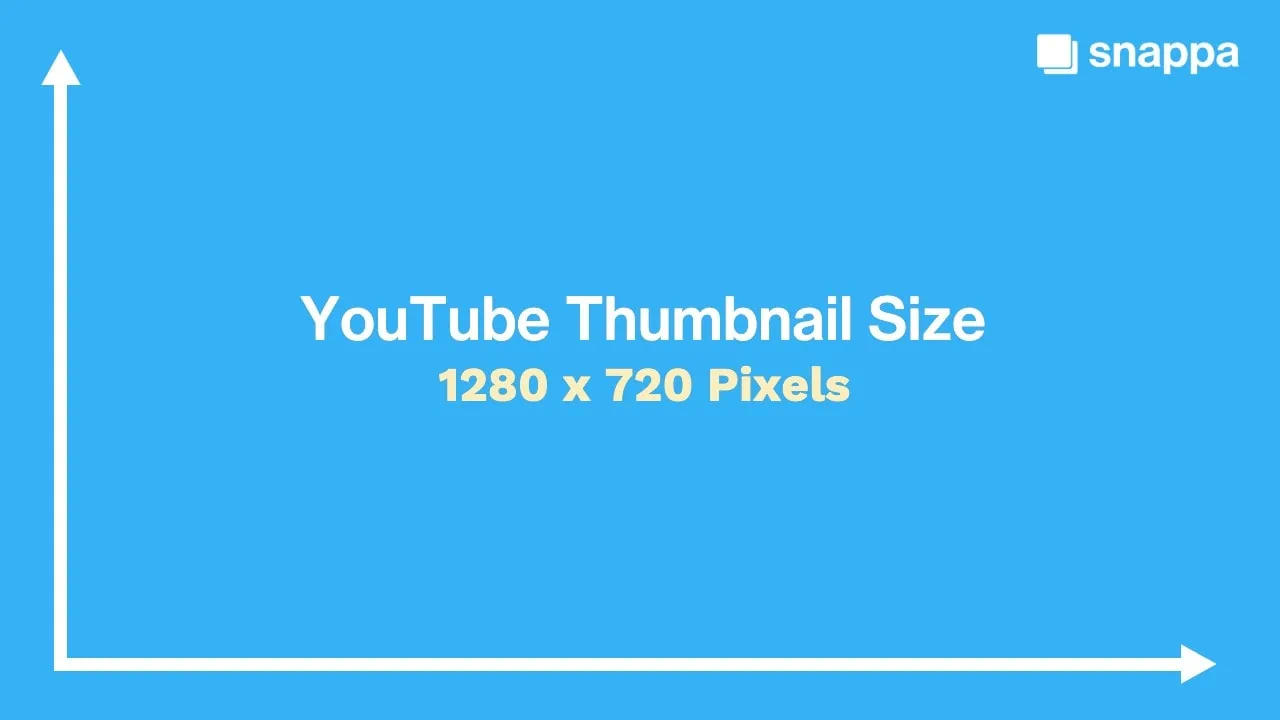
Thumbnail sizes vary by platform but generally range from 128×72 to 320×180 pixels. For YouTube, 1280×720 pixels is ideal. Using correct sizes ensures thumbnails display clearly without distortion, maintaining quality and attracting clicks across devices.
Can Custom Thumbnails Increase Video Views?
Yes, custom thumbnails significantly increase video views. They allow creators to design eye-catching images that highlight key content. Custom thumbnails stand out more than auto-generated ones, attracting more viewers and improving overall video performance.
Conclusion
Thumbnails catch attention quickly and invite clicks. They show a clear image of the content inside. Good thumbnails use bright colors and simple designs. Text on thumbnails helps explain the topic fast. Creating effective thumbnails takes practice and creativity. Small changes can boost views and engagement.
Keep testing different styles to find what works best. A strong thumbnail is key to online success. It helps your content stand out in crowded feeds. Remember, a clear thumbnail speaks louder than words.