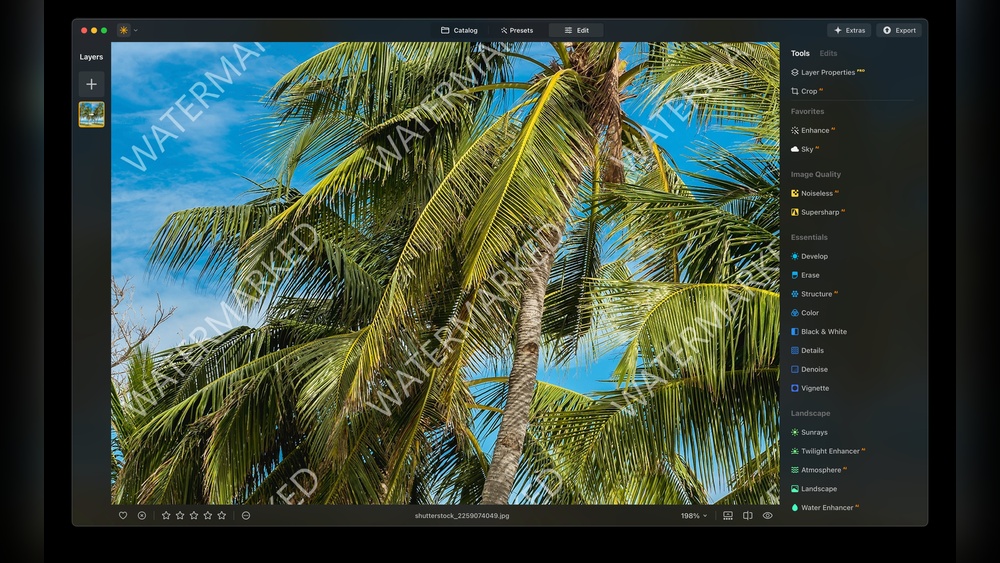
Have you ever noticed faint logos or text on photos and wondered why they’re there? That’s a watermark, and it’s more important than you might think.
Whether you’re protecting your own images or recognizing someone else’s work, understanding watermarks can save you from headaches and help keep your content safe. You’ll discover what watermarks really do, why they matter, and how you can use them to your advantage.
Keep reading—you’ll learn simple tips that make a big difference.

Credit: www.shutterstock.com
Why Watermark Photos
Watermarking photos adds a layer of protection and identity. It helps photographers and creators keep control of their work. Watermarks show who owns the image. This small mark can make a big difference.
Prevent Unauthorized Use
Watermarks stop others from using photos without permission. They make it hard to steal images. Thieves avoid pictures with clear ownership marks. This protects your hard work and creativity.
Build Brand Recognition
Watermarks show your logo or name on every photo. People see your brand more often. This helps others remember you. Consistent branding grows trust and awareness.
Enhance Professionalism
Watermarked photos look more professional and polished. They show you take your work seriously. Clients feel more confident in your skills. This simple step improves your image online.
Types Of Watermarks
Watermarks help protect images and documents from copying. They show who owns the content. Watermarks come in different styles and forms. Each type serves a special purpose. Understanding these types helps you choose the right one for your needs.
Text Watermarks
Text watermarks use words or phrases over an image. They often include names, dates, or copyright notes. Text watermarks are easy to create and customize. You can change their size, font, and color. They clearly show the owner’s identity. Many people use text watermarks for photos and documents.
Logo Watermarks
Logo watermarks use a brand’s symbol or image. They add a professional look to photos and designs. Logos make it easy to recognize the owner. Many businesses prefer logo watermarks for branding. These watermarks can be small or large, placed anywhere on the image. They protect the brand and increase visibility.
Transparent Vs Opaque
Watermarks can be transparent or opaque. Transparent watermarks blend softly with the image. They are less distracting but still visible. Opaque watermarks stand out clearly on the picture. They provide stronger protection but can cover details. Choosing between them depends on how much you want to show or hide.
Choosing The Right Watermark Style
Choosing the right watermark style is important for protecting your images. It helps show ownership without ruining the photo’s look. The style should fit the image and your brand. It should be clear but not distracting. A good watermark balances visibility and subtlety well.
Placement Strategies
Place the watermark where it cannot be easily cropped out. Corners are common but easy to remove. Center placement is harder to remove but may cover key parts. Consider placing it over busy areas to hide it better. Multiple small watermarks can also protect your image.
Size And Opacity
Watermark size should not block the image details. Use a smaller size for delicate photos. Opacity controls how see-through the watermark is. Too dark looks aggressive and distracts. Too light may not protect your work. Aim for a balance where it is visible but subtle.
Font And Color Choices
Choose a simple font that is easy to read. Avoid fancy fonts that confuse viewers. The color should contrast with the image background. White or black often work well. Use shades of gray for a softer look. The goal is clarity without overpowering the photo.
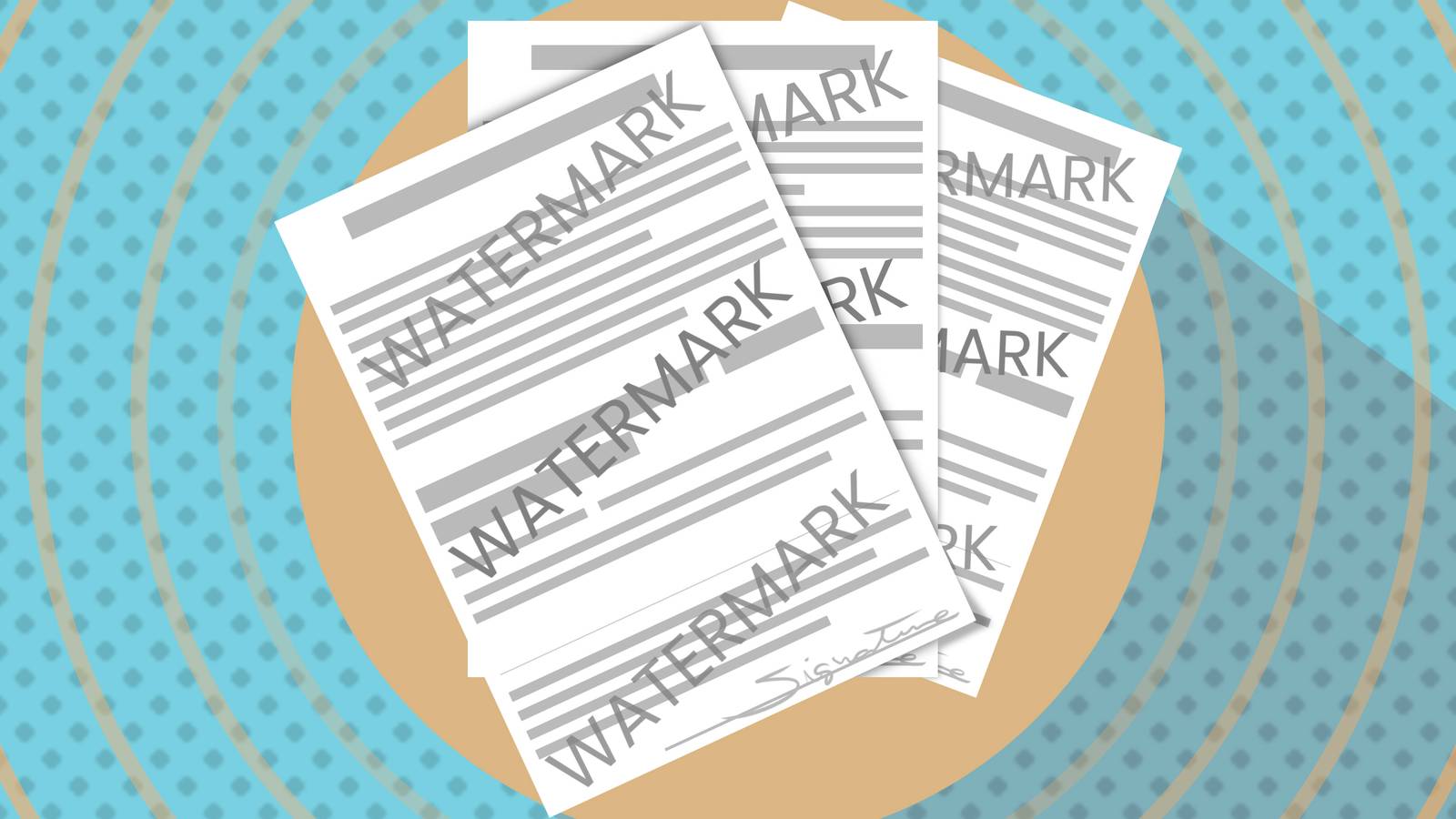
Credit: www.howtogeek.com
Watermarking Techniques
Watermarking techniques help protect images and videos from unauthorized use. They add a visible or invisible mark that shows ownership. Choosing the right method depends on your needs and skills.
Some methods take more time but offer full control. Others save time and work well for many files. Understanding these options makes watermarking easier and faster.
Manual Vs Automated Methods
Manual watermarking means placing a mark by hand on each file. It gives full control over size and position. This method suits small projects or special cases.
Automated watermarking uses software to add marks quickly. It works best for many files at once. Automation saves effort and keeps a consistent look.
Batch Processing Tips
Batch processing adds watermarks to many files at the same time. Choose software that supports batch work. Set watermark size and position before starting.
Test on a few files first. Check if the mark looks right on all images. This saves time and avoids mistakes later.
Using Mobile Apps
Mobile apps offer easy watermarking on phones and tablets. They are good for quick edits and sharing on social media. Many apps let you add text or logos.
Choose apps with simple controls and good reviews. Keep watermark size small but visible. Mobile watermarking works well for casual and small projects.
Top Tools For Watermarking Photos
Watermarking photos protects your work from unauthorized use. Many tools help add watermarks easily. These tools vary from software to apps and websites. Choose the one that fits your needs and device.
Desktop Software Options
Desktop software offers powerful features for watermarking photos. Programs like Adobe Photoshop let you customize watermarks fully. For free use, GIMP provides many useful tools. These options work well for batch processing many photos. They require installation but offer great control over your designs.
Online Platforms
Online platforms allow watermarking without software installation. Websites like Watermarkly and PicMarkr let you upload photos quickly. Add text or image watermarks with simple clicks. These platforms support batch uploads and save images fast. Perfect for those who want quick results without extra software.
Mobile Applications
Mobile apps make watermarking photos easy on the go. Apps like eZy Watermark and iWatermark offer simple tools. Add logos, text, or signatures directly on your phone. Most apps support multiple photo editing and sharing. Handy for users who take photos with smartphones daily.
Balancing Protection And Aesthetics
Adding a watermark to images helps protect your work from unauthorized use. At the same time, it should not spoil the picture’s look. Finding the right balance between protection and aesthetics is key. A good watermark keeps your images safe but stays subtle and attractive.
Avoiding Distracting Watermarks
Watermarks should be clear but not overpower the image. Place them in corners or edges where they do not block important parts. Use light colors or low opacity so the watermark blends in. Avoid large or bright watermarks that take attention away from the photo.
Maintaining Image Quality
Watermarks must not reduce the image’s sharpness or color. Use high-resolution watermark files to keep details crisp. Test how the watermark appears on different screen sizes. Keep the file size small to ensure fast loading without losing quality.
Testing Different Designs
Try several watermark styles to find the best fit. Experiment with font type, size, and color. Check how the watermark looks on various backgrounds. Ask others for feedback on which design protects but looks good. Change the design as needed to improve balance.
Legal Aspects Of Photo Watermarking
Photo watermarking plays a key role in protecting your images online. Understanding the legal side helps you use watermarks wisely. Watermarks show ownership but also relate to copyright laws. These laws give photographers rights over their work. Knowing these rules helps you defend your photos if stolen.
Copyright Basics
Copyright gives creators control over their photos. It starts as soon as you take a picture. No need to register to get basic protection. Copyright stops others from using your image without permission. Watermarks act as a visible sign of your ownership. They remind viewers that the photo belongs to you.
Enforcing Your Rights
Watermarks can help prove you own the photo. If someone uses your image without consent, you can ask them to stop. Sometimes, legal action is needed to protect your rights. Keep records of your original files and the watermarked versions. These records support your claim in disputes.
When Watermarks Are Not Enough
Watermarks alone do not fully stop theft. Skilled users can crop or edit watermarks out. Digital watermarks hidden in files offer extra protection. Registering your photos with copyright offices adds legal strength. Combine watermarks with legal steps for best photo protection.
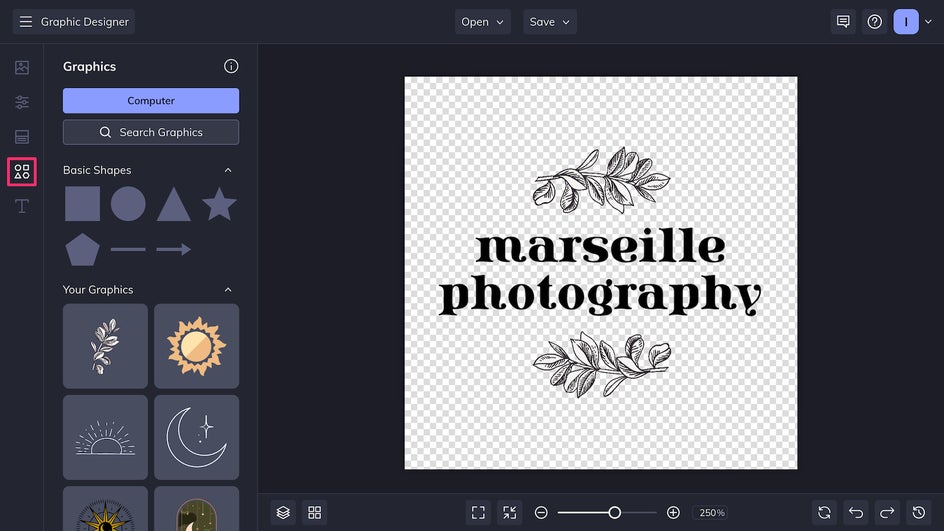
Credit: www.befunky.com
Advanced Watermarking Tips
Advanced watermarking helps protect your images and videos more effectively. Simple watermarks are easy to remove. Advanced methods keep your content safe without ruining its look. These tips add layers of security and make your watermark hard to erase.
Invisible Watermarks
Invisible watermarks hide your mark inside the image data. They do not change the look of your picture. These watermarks are hard to detect and remove. Special software can find and prove ownership. This method keeps your work safe without distracting viewers.
Metadata Embedding
Metadata stores information about the file. You can embed your copyright or name there. It does not affect the image or video quality. Metadata stays with the file even after sharing. This method helps prove your ownership legally and easily.
Watermarking Videos
Watermarking videos is different from photos. You need to add marks frame by frame or in a moving spot. This makes it hard to crop or blur the watermark. Use semi-transparent logos or text to avoid blocking the video. Video watermarking protects your creative work online.
Common Mistakes To Avoid
Watermarks protect images and brand identity. Many make mistakes that reduce this protection. Avoid these errors to keep your watermark effective and professional.
Overusing Watermarks
Too many watermarks distract viewers from the main image. Crowding an image with marks lowers its appeal. Use one clear watermark to keep focus on your content.
Poor Placement Choices
Placing watermarks in obvious spots can ruin the picture. Avoid corners that are easy to crop out. Position marks where they protect but do not block key details.
Ignoring File Formats
Some file types reduce watermark quality. JPEGs may blur fine details of your mark. Use PNG or TIFF for sharp, clear watermarks that last after editing.
Future Trends In Photo Protection
Photo protection is evolving fast. New technologies help photographers keep control over their work. Watermarks, once simple text or logos, are becoming smarter. These changes protect images better and meet new user needs.
Ai-powered Watermarks
Artificial intelligence makes watermarks smarter. AI can place marks where they are hard to remove. It can also change the watermark style based on the image. This keeps photos safe without ruining their look. AI helps detect stolen images online too.
Blockchain For Copyright
Blockchain records photo ownership securely. It creates a digital certificate for each image. This makes it easy to prove who owns a photo. Blockchain stops fake claims and image theft. It helps artists protect their work worldwide.
Evolving User Expectations
Users want better photo protection without damage. They expect clear but subtle watermarks. People want easy ways to check photo rights. Transparency and trust are growing in importance. Photo protection must balance safety and aesthetics.
Frequently Asked Questions
What Is A Watermark In Digital Images?
A watermark is a semi-transparent logo or text overlaid on digital images. It protects copyrights and prevents unauthorized use. Watermarks help identify the image owner and maintain brand visibility. They are commonly used by photographers, designers, and content creators online.
How Do Watermarks Protect Image Copyrights?
Watermarks make it difficult to reuse images without permission. They serve as visible proof of ownership. This discourages theft and unauthorized distribution. Watermarks also help track the source if the image is shared illegally.
Can Watermarks Be Removed From Images?
Removing watermarks is possible but often illegal without permission. It requires advanced editing tools and skills. Removing watermarks violates copyright laws and ethical use. Always seek consent before editing watermarked content.
What Types Of Watermarks Are Commonly Used?
Common watermark types include text, logos, and patterns. Text watermarks display names or URLs. Logo watermarks use brand symbols. Patterns cover larger areas for stronger protection. Each type balances visibility with image clarity.
Conclusion
Watermarks protect your images and show your ownership clearly. They help stop others from using your work without permission. Adding a watermark is simple and keeps your content safe. Choose a style that fits your brand and looks good. Keep it subtle so it does not distract from the image.
Regular use builds trust and respect for your work. Watermarks are a smart tool for every creator. Use them wisely and protect what you create.