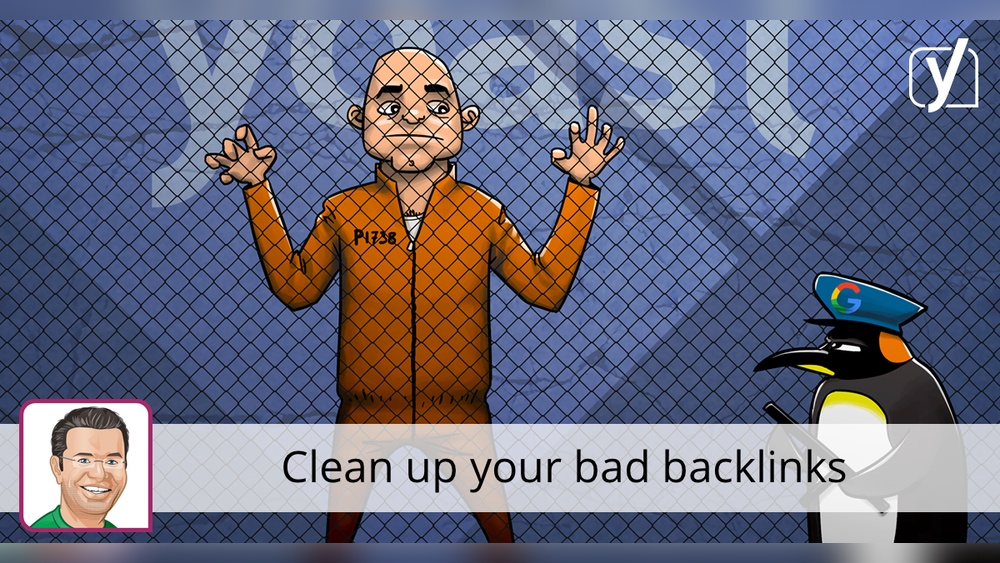
Are you struggling to improve your website’s ranking but can’t figure out why? One hidden culprit might be bad backlinks dragging your site down.
These harmful links don’t just waste your time—they can seriously damage your online reputation and search engine standing. If you want to protect your website and boost your traffic, understanding bad backlinks is crucial. Keep reading to discover how to spot them, why they hurt, and what you can do to fix the problem before it’s too late.
Your website’s health depends on it!
Credit: optivusdigital.com
What Are Bad Backlinks
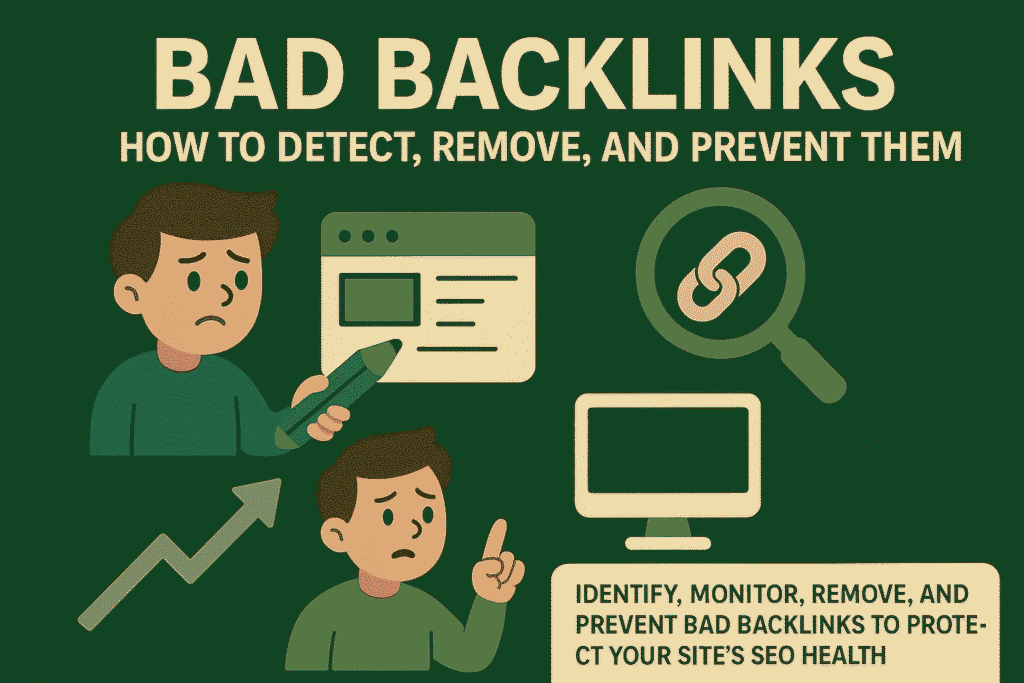
Bad backlinks can harm your website’s search ranking and reputation. These links come from low-quality or spammy websites. Search engines like Google see bad backlinks as a sign of poor site quality. This can lead to penalties or lower rankings.
Understanding what bad backlinks are helps protect your website. It also helps maintain strong SEO performance. Below are key points that explain bad backlinks in detail.
What Defines A Bad Backlink?
A bad backlink comes from a website that is untrustworthy or irrelevant. It may be from spam sites, link farms, or sites with little content. These links do not add value to your site’s credibility. Search engines may flag such links as manipulative or harmful.
Sources Of Bad Backlinks
Bad backlinks often come from sites with poor reputation. These include spammy blogs, adult sites, or hacked websites. Links purchased in bulk or from link networks can also be bad. Such links appear unnatural and can trigger search engine penalties.
Why Are Bad Backlinks Harmful?
Bad backlinks can cause search engines to lower your site’s ranking. They reduce trust in your website’s content and authority. Search engines may even remove your site from results. This loss of visibility can reduce traffic and sales.
How To Identify Bad Backlinks
Look for backlinks from irrelevant or low-quality sites. Check if the linking site has thin or spammy content. Links from sites with high spam scores or many outbound links are risky. Use SEO tools to analyze backlink quality and spot problems.
Common Warning Signs
Bad backlinks harm your website’s SEO and trust. Detecting them early helps protect your rankings. Watch for clear signs that something is wrong.
These warning signals often point to harmful links. Catching them fast lets you fix issues before they grow.
Sudden Drop In Rankings
A quick fall in search rankings often signals bad backlinks. Search engines may penalize your site for low-quality links. This drop can happen within days of getting harmful links.
Monitor your rankings regularly. Sharp declines need immediate attention.
Unnatural Link Profiles
Your backlink profile should look natural and varied. Too many links from the same source or identical link patterns seem suspicious. Search engines spot these signs and may flag your site.
Check for unusual link sources or sudden increases in backlinks.
Spammy Anchor Text
Anchor text with too many keywords or strange phrases can harm SEO. Spammy anchors appear unnatural and spam-like. This type of text suggests manipulative linking practices.
Look for repetitive or irrelevant anchor words in your backlinks.
Links From Irrelevant Sites
Links from websites unrelated to your topic are a red flag. Irrelevant links lower your site’s credibility in search engines’ eyes. They can also confuse your visitors.
Focus on quality links from sites within your niche or industry.
Tools To Identify Bad Backlinks
Bad backlinks can harm your website’s ranking. Detecting them early protects your SEO. Several tools help identify harmful links. These tools show which backlinks may hurt your site’s authority. Use them regularly to keep your backlink profile clean.
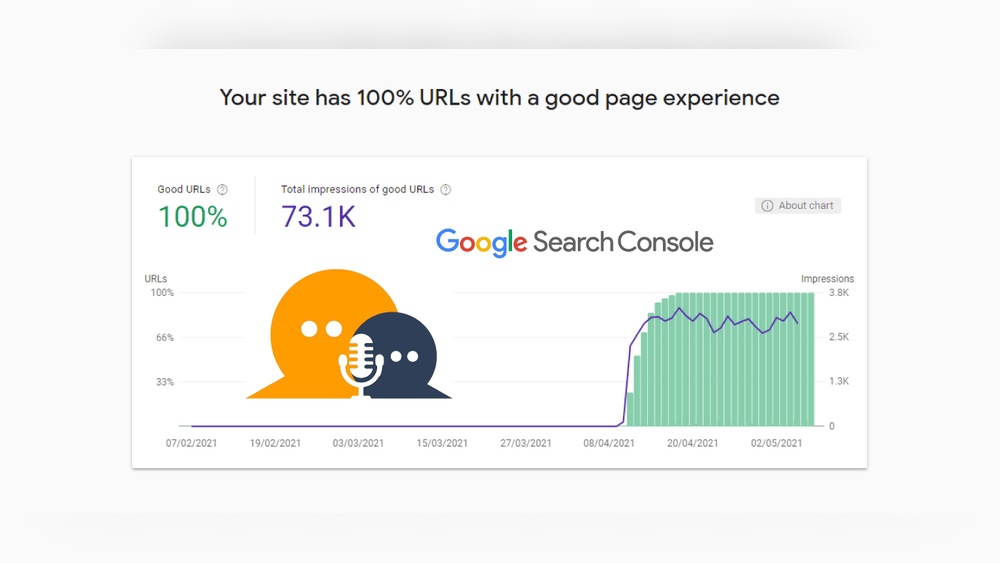
Google Search Console
Google Search Console offers a free way to check backlinks. It shows links pointing to your site. You can download this link data for analysis. Look for unusual sources or low-quality sites. Flag or remove suspicious links to avoid penalties.
Third-party Seo Tools
Many SEO tools scan backlinks quickly. Tools like Ahrefs, SEMrush, and Moz provide detailed reports. They rate link quality and detect spammy links. These tools help identify link patterns that may harm SEO. Use them to get a clearer backlink picture.
Manual Link Audits
Manual audits involve reviewing backlinks one by one. Check the linking site’s content and reputation. Delete or disavow links from irrelevant or spammy sites. This method takes time but ensures accuracy. It complements automated tools well.
Credit: createandgrow.com
Quick Fixes For Bad Backlinks
Bad backlinks can hurt your website’s ranking fast. Fixing them quickly helps protect your site’s reputation. There are simple steps to remove or reduce their damage.
Start by identifying bad links. Then act to clean up your backlink profile. These quick fixes keep your SEO healthy and strong.
Contacting Webmasters
Find the site owner linking to you with bad backlinks. Send a polite email asking them to remove the link. Be clear and direct in your message. Many webmasters respond and remove unwanted links. This method takes time but is very effective.
Using The Disavow Tool
Google offers a Disavow Tool to ignore bad backlinks. Upload a file listing harmful links you want to reject. Google will not count these links against your site. Use this only for links you cannot remove manually. Be careful; wrong use can hurt your SEO.
Removing Toxic Links
Use SEO tools to spot toxic backlinks quickly. These links come from spammy or low-quality sites. Remove them by contacting webmasters or disavowing. Regularly check your backlink profile for new toxic links. Cleaning your links improves your site’s trust and ranking.
Preventing Bad Backlinks
Bad backlinks hurt your website’s reputation and search rankings. Preventing them protects your site from penalties. Taking simple steps keeps your link profile clean and strong. Focus on quality, watch your links often, and avoid risky practices.
Building Quality Links
Create links from trustworthy and relevant sites only. Choose websites with good content and real visitors. Write helpful articles that others want to share. Quality links improve your site’s authority and trust.
Monitoring Link Profiles Regularly
Check your backlinks frequently using SEO tools. Look for unusual or spammy links right away. Remove or disavow bad links to avoid harm. Staying alert helps keep your site safe and ranking well.
Avoiding Link Schemes
Steer clear of buying links or link exchanges. These tactics look unnatural to search engines. Avoid links from low-quality or unrelated sites. Honest link building is the only safe way to grow.
Credit: prposting.com
Frequently Asked Questions
What Are Bad Backlinks In Seo?
Bad backlinks are low-quality or spammy links pointing to your site. They harm your site’s ranking and credibility. These links often come from irrelevant or suspicious websites. Search engines may penalize sites with many bad backlinks. Removing or disavowing them helps maintain good SEO health.
How Do Bad Backlinks Affect Website Ranking?
Bad backlinks lower your website’s search engine ranking. They signal to Google that your site may be untrustworthy. This can lead to penalties or reduced visibility in search results. High-quality backlinks are crucial, so bad links negatively impact your SEO success.
How To Identify Bad Backlinks To Your Website?
Look for backlinks from unrelated, low-authority, or spammy sites. Use SEO tools like Ahrefs or Google Search Console. Check for unnatural anchor text or link farms. Regular backlink audits help spot and address harmful links early.
Can Bad Backlinks Be Removed Or Disavowed?
Yes, bad backlinks can be removed by contacting the site owner. If removal isn’t possible, use Google’s Disavow Tool. This tells Google to ignore harmful links. Removing or disavowing bad backlinks protects your website’s SEO integrity.
Conclusion
Bad backlinks can harm your website’s ranking and trust. They bring low-quality traffic and may lead to penalties. Regularly check your backlink profile to spot bad links early. Remove or disavow harmful backlinks to protect your SEO. Focus on earning links from reputable and relevant sites.
This keeps your website strong and credible. Stay alert and maintain good backlink habits for lasting success. Your website deserves clean, trustworthy links to grow well.