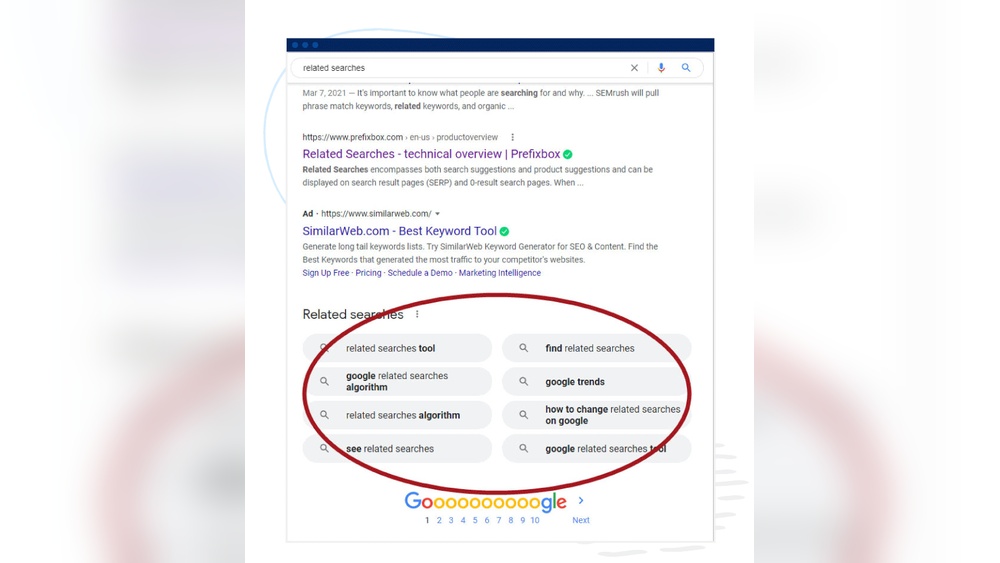
When you search online, have you ever noticed a list of suggestions popping up below the search bar? These are called ”Related Searches,” and they can be a powerful tool for you.
Whether you’re looking for ideas, trying to find the best answers, or want to explore topics you hadn’t thought of, related searches guide you right where you need to go. You’ll discover how to use related searches to save time, get better results, and even boost your own website’s visibility.
Keep reading, and unlock the secret to making your online searches smarter and more effective.
What Are Related Searches
Related searches help users find more information about a topic. They appear at the bottom of search engine results pages (SERPs). These suggestions guide users to explore topics similar to their original query.
Related searches improve the search experience. They show other questions or keywords people often search for. This feature saves time and helps discover new ideas.
What Are Related Searches On Google?
Related searches on Google show extra search terms connected to your query. Google uses data from past searches to offer these suggestions. They help users refine or expand their search easily.
How Do Related Searches Work?
Search engines analyze many searches to find patterns. They group similar queries and suggest them as related searches. This helps users find relevant content faster.
Why Are Related Searches Important?
Related searches help discover new topics linked to your interest. They improve understanding by showing different angles. They also help find answers when the first search is not enough.

Credit: susodigital.com
Benefits Of Using Related Searches
Related searches help users find more information quickly. They show extra ideas connected to the main search. This makes exploring easy and saves time.
These suggestions guide users to discover topics they may not know about. They improve the search experience by offering choices. This helps users learn more and get better results.
Improves User Experience
Related searches help users find what they want faster. They reduce the effort needed to type new queries. This keeps users happy and engaged on websites.
Increases Website Traffic
Related searches bring visitors to more pages on a site. Users click on these suggestions and explore deeper. This raises the number of views and visits.
Boosts Seo Rankings
Search engines see related searches as useful content. This helps websites rank higher in search results. Using related terms makes pages more relevant and strong.
Helps Discover New Keywords
Related searches reveal popular and trending phrases people use. Writers can find fresh topics to write about. This expands keyword lists for better optimization.
Finding Hidden Keywords With Related Searches
Finding hidden keywords with related searches helps expand your SEO strategy. These keywords reveal what users often search alongside your main topic. They show real user intent and popular variations. This insight gives you more content ideas and better targeting. Using related searches is a smart way to find less obvious keywords. This can boost your website traffic and improve search rankings.
Using Search Engines For Keyword Discovery
Search engines suggest related terms based on user queries. Typing a keyword shows suggestions that people also search. These suggestions are real searches, not random words. They help identify popular and trending keywords. Use them to find phrases your audience uses often. This method uncovers new keyword ideas beyond the obvious ones. It saves time and improves your content relevance.
Leveraging Google’s Related Searches Section
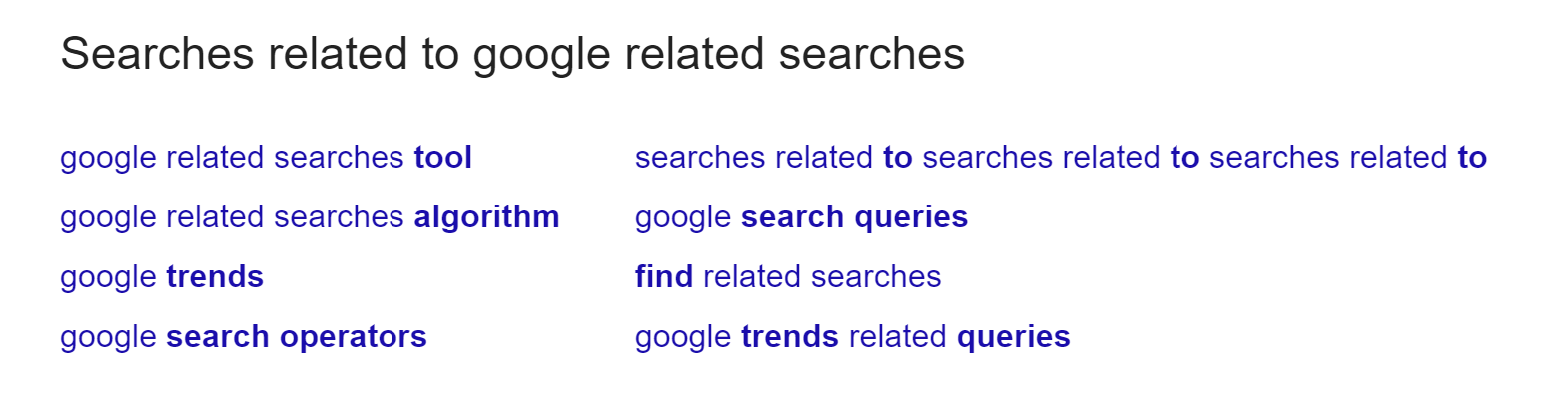
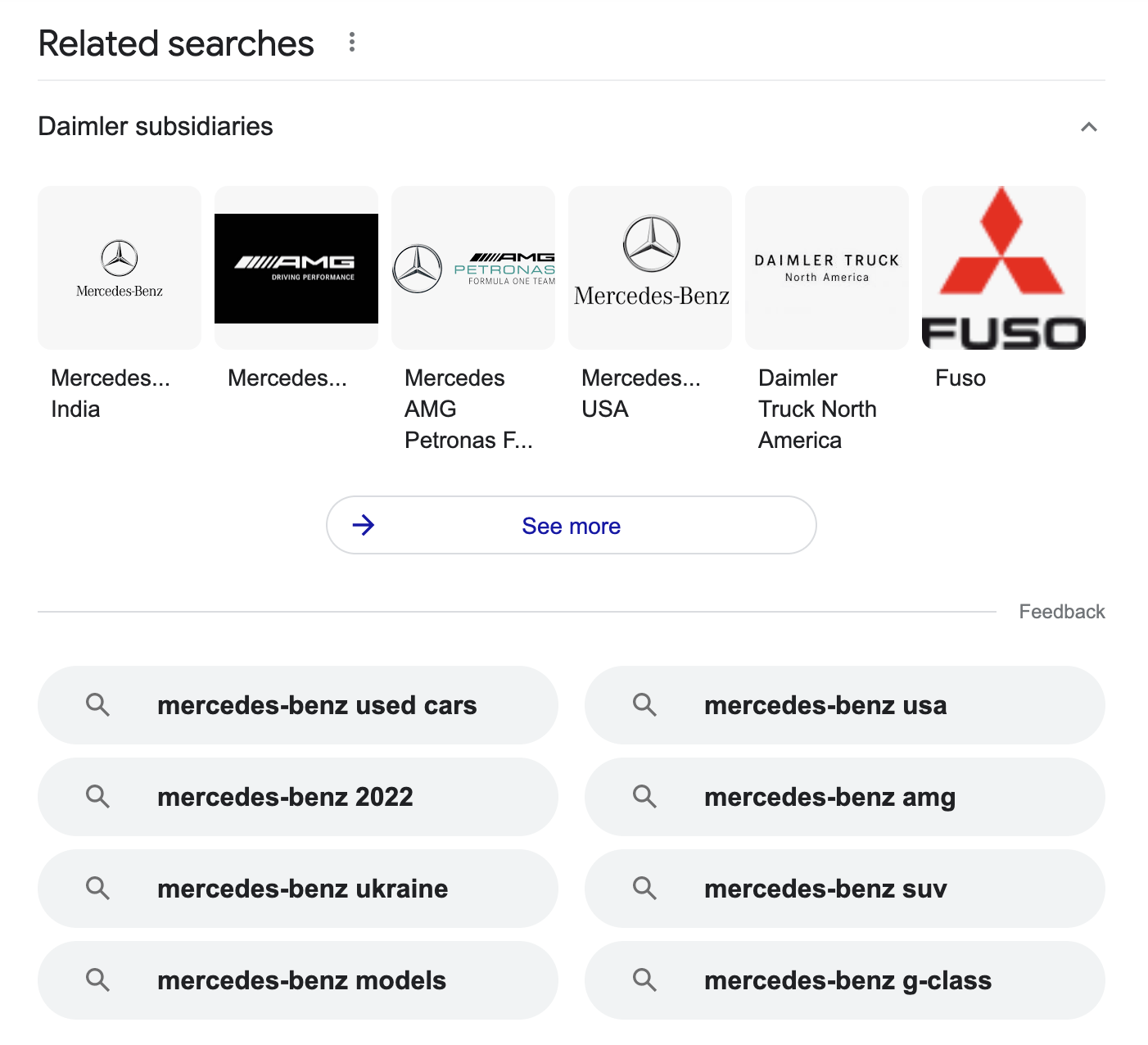
At the bottom of Google’s results, related searches appear. These are closely linked to your search query. They reveal alternative keywords and topics to explore. Clicking on these suggestions broadens your keyword list. Google’s related searches reflect real user behavior. Use them to find long-tail keywords with less competition. This approach helps you target niche search queries effectively.
Exploring Related Searches On Other Platforms
Other platforms like Bing, YouTube, and Amazon also offer related searches. Each platform shows unique user interests and patterns. For example, YouTube focuses on video content keywords. Amazon suggests product-related search terms. Checking these sites uncovers diverse keywords you might miss. This variety strengthens your keyword strategy across different channels. It gives you a wider reach and more audience options.
Credit: www.siteguru.co
Incorporating Hidden Keywords Into Seo Strategy
Incorporating hidden keywords into your SEO strategy can boost your website’s visibility. These keywords are related terms users search but often go unnoticed. Using them helps attract more targeted visitors without keyword stuffing.
Hidden keywords fit naturally into your content. They expand your reach and improve search rankings. This strategy supports a well-rounded SEO plan.
Optimizing On-page Content
Place hidden keywords in your articles and blog posts. Use them in headings, paragraphs, and lists. Ensure they fit the topic and sound natural. Avoid forcing keywords into text. This keeps readers engaged and improves SEO.
Use synonyms and related phrases. This makes content richer and more relevant. Search engines better understand your page’s subject. This helps your site appear in more search results.
Enhancing Meta Tags And Descriptions
Include hidden keywords in meta titles and descriptions. These tags help search engines and users understand your page. Use simple, clear language with relevant terms. This can increase your click-through rate.
Keep meta descriptions under 160 characters. Add keywords without making it look spammy. Well-crafted meta tags improve your site’s appeal in search results.
Building Relevant Internal Links
Use hidden keywords as anchor text for internal links. Link to related pages on your website. This helps search engines crawl your site better. It also guides visitors to useful content.
Choose links that add value and relate to the keyword. This improves user experience and SEO performance. Internal linking spreads link authority across your site.
Tools To Discover Related Searches
Finding related searches helps expand your content and reach more readers. Tools make it easy to find these keywords. They show terms connected to your main topic. Using the right tools saves time and improves SEO. Both free and paid options exist to fit different needs.
Free Keyword Research Tools
Free tools give quick access to related searches. Google Autocomplete is a simple way to see popular queries. Type a word, and suggestions appear below. Ubersuggest offers keyword ideas and search volume data. Answer The Public shows common questions and phrases. These tools help discover terms without cost. Ideal for beginners or small projects.
Paid Seo Software Options
Paid software offers deeper insights and more features. SEMrush provides detailed keyword analysis and competitor data. Ahrefs tracks keyword difficulty and backlink profiles. Moz Pro helps find related searches with accurate metrics. These tools often include reporting and tracking options. Best for serious SEO work or larger websites.
Credit: ahrefs.com
Measuring Impact On Seo Performance
Measuring the impact of related searches on SEO performance helps understand how well your content ranks. It shows if your strategies bring more visitors and keep them engaged. Tracking these results guides your SEO efforts for better success.
Tracking Keyword Rankings
Keyword rankings show where your site appears on search engines. Check if related searches help your pages rank higher. Use tools to monitor changes in keyword positions over time. Notice which keywords bring more visitors. This data helps refine your content and SEO tactics.
Analyzing Traffic And Engagement Metrics
Traffic metrics reveal how many people visit your site from related searches. Look at page views, session duration, and bounce rate. High engagement means visitors find your content useful. Low engagement signals a need for improvement. Use this information to improve user experience and keep visitors longer.
Frequently Asked Questions
What Are Related Searches In Seo?
Related searches are search queries linked to your main keyword. They help identify user intent and improve content relevance. Using related searches enhances SEO by targeting broader topics and increasing organic traffic.
How Do Related Searches Improve Website Ranking?
Related searches expand keyword coverage and increase user engagement. They provide insights into user needs, allowing optimized content creation. This relevance boosts search engine rankings and drives targeted traffic.
Where Can I Find Related Searches For Keywords?
You can find related searches in Google SERP at the bottom. Keyword research tools like SEMrush and Ahrefs also provide related search terms. These sources help discover new keywords and content ideas.
Why Are Related Searches Important For Content Creation?
Related searches guide content creators to cover user interests comprehensively. They help address multiple queries in one article, improving user experience. This relevance leads to higher search rankings and more organic visits.
Conclusion
Related searches help you find what others want to know. They guide your next steps and save time. Use them to explore new ideas or check facts. These searches can improve your browsing and learning experience. Keep an eye on related searches to stay updated.
They show what is popular or trending now. Try using them often for better results online. Simple, quick, and helpful—related searches make searching smart.