


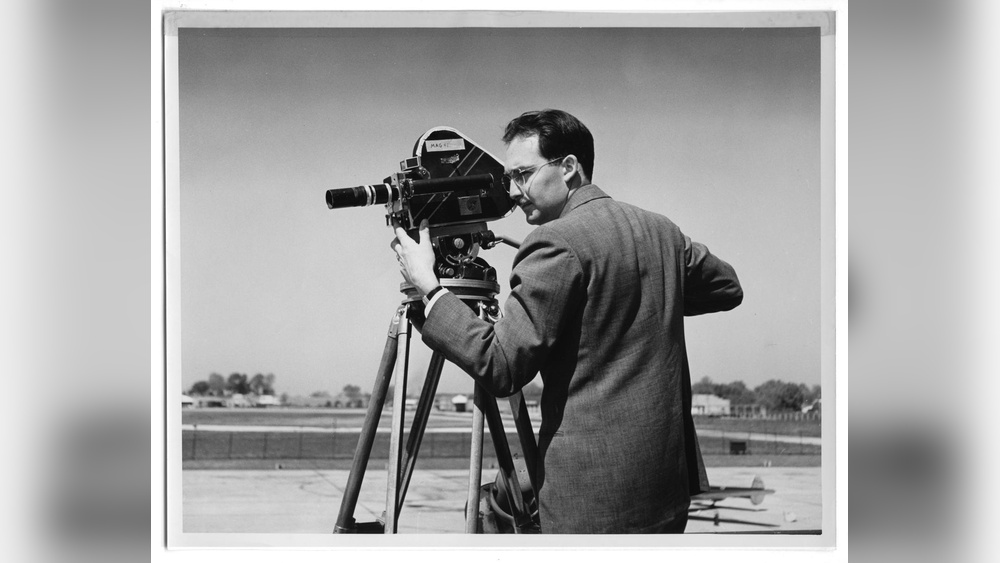
Have you ever wondered what goes into making a great video? Whether you’re capturing memories or creating content, filming is the key step that brings your ideas to life.
But it’s not just about pointing a camera and pressing record. The way you film can change everything—how your story feels, how your audience connects, and how powerful your message becomes. You’ll discover simple tips and tricks to improve your filming skills, even if you’re just starting out.
Ready to make your videos stand out? Let’s dive in.
Choosing The Right Gear
Choosing the right gear is key to making good videos. The right tools help capture clear images and tell your story well. Knowing what to pick can save time and money.
Camera Types And Features
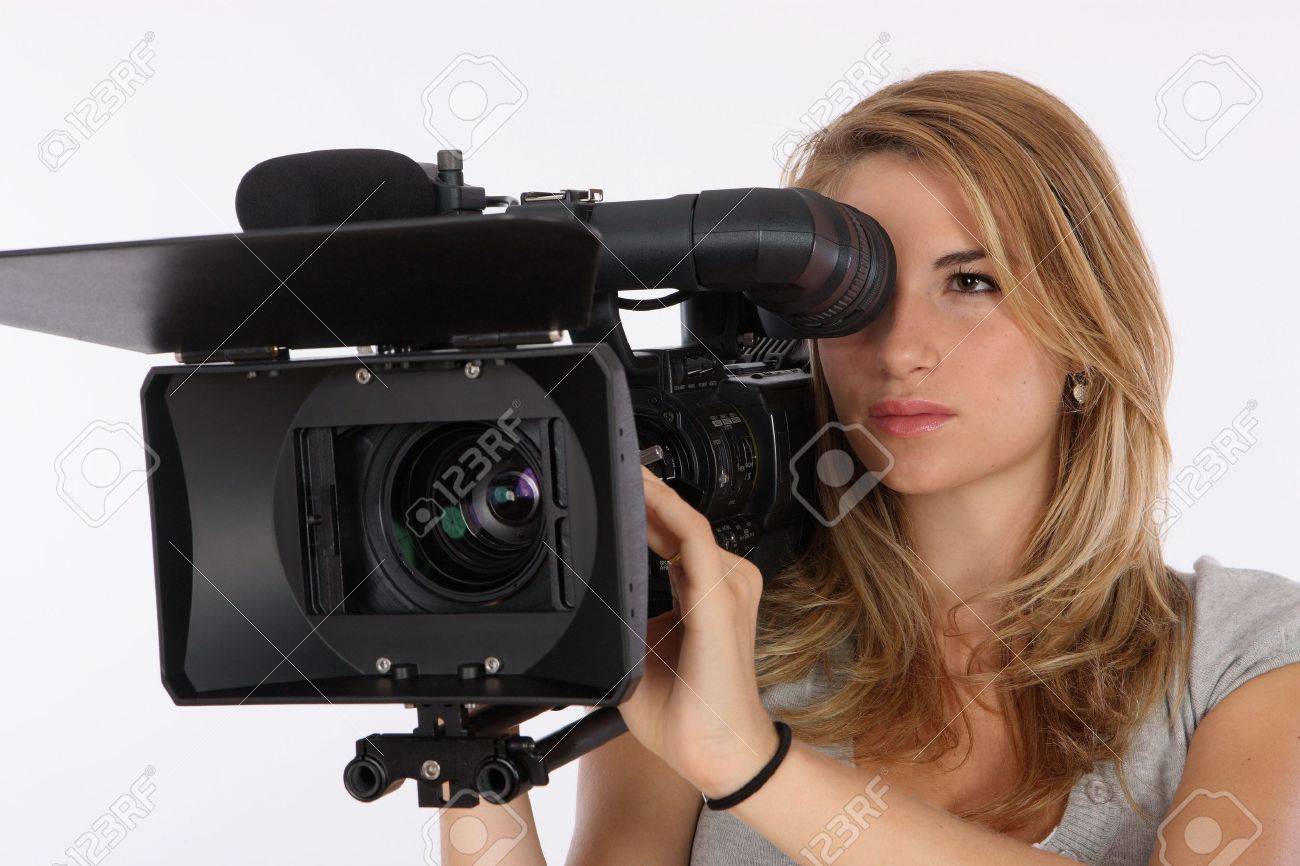
Different cameras fit different needs. DSLRs offer good quality and manual controls. Mirrorless cameras are light and easy to carry. Camcorders are made for long recording times. Check features like resolution and frame rate. Higher resolution means sharper pictures. Frame rate affects motion smoothness. Choose a camera that suits your shooting style.
Lenses For Different Shots
Lenses change how your video looks. Wide-angle lenses capture more scene space. Great for landscapes or big groups. Telephoto lenses zoom in on far subjects. Use them for close-up shots from a distance. Prime lenses have a fixed focus but give sharp images. Zoom lenses offer flexibility to change framing fast. Pick lenses based on the shots you want.
Essential Accessories
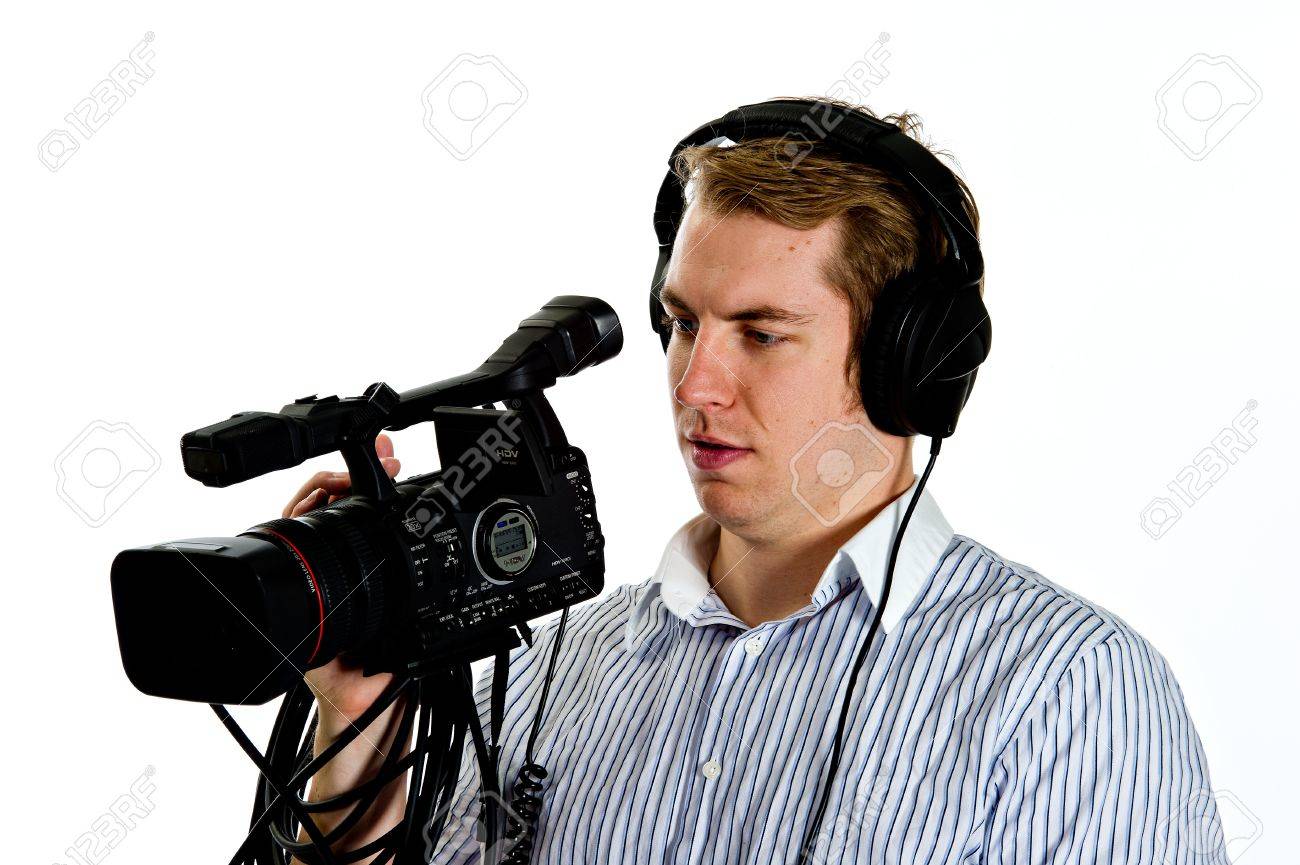
Accessories improve your filming experience. Tripods keep your camera steady and avoid shaky footage. External microphones give better sound quality than built-in ones. Lighting kits help brighten dark scenes. Extra batteries and memory cards ensure you don’t run out during shooting. Carry a camera bag to protect your gear. These tools make filming easier and more professional.
Credit: www.123rf.com
Mastering Composition
Good composition makes your videos look clear and interesting. It helps guide the viewer’s eyes to the main subject. Strong composition creates balance and harmony in each frame. Understanding a few simple rules can improve your filming skills fast.
Rule Of Thirds
Imagine dividing your frame into nine equal parts with two vertical and two horizontal lines. Place important elements along these lines or where they cross. This creates natural balance and focus. Avoid placing the subject right in the center. The rule of thirds keeps shots dynamic and pleasing to watch.
Leading Lines And Framing
Use lines like roads, fences, or rivers to lead viewers to your subject. These lines draw attention and add depth. Framing means using objects like windows or branches to surround the subject. This technique highlights the main point and adds layers to the scene. Both methods help viewers connect with your story.
Balancing Elements
Balance means arranging objects so one side does not feel heavier than the other. Place a strong subject on one side and balance it with a smaller object on the other. This avoids empty spaces and keeps the shot stable. Balanced frames feel natural and easy on the eyes.
Lighting Techniques
Lighting plays a key role in filming. It shapes the look and feel of every scene. Good lighting guides the viewer’s eye and sets the tone. It can make a simple shot look professional and clear. Understanding lighting techniques helps create better videos.
Different lighting styles create different moods and effects. Choosing the right light source and tools improves your film’s quality. Below are some basic lighting techniques to explore.
Natural Vs Artificial Light
Natural light comes from the sun. It changes throughout the day and gives soft, real colors. It is free and easy to use outside. But it can be hard to control. Clouds, time, and weather affect it.
Artificial light comes from lamps or bulbs. You can control brightness and direction. It works well indoors or at night. Artificial light allows you to create consistent lighting no matter the time.
Using Reflectors And Diffusers
Reflectors bounce light to fill shadows. They brighten dark areas without adding new light sources. You can use white boards, silver, or gold reflectors for different effects.
Diffusers soften harsh light. They spread light evenly and reduce strong shadows. Using diffusers makes light gentler and more natural. A simple white cloth can work as a diffuser.
Lighting For Mood
Lighting sets the mood in your scene. Bright, soft light feels happy and open. Dark, sharp light creates drama or tension. Warm lights feel cozy, while cool lights feel calm or cold.
Changing light angles changes the mood too. Front light is clear and simple. Side light shows texture and depth. Backlight adds mystery and separates subjects from the background.
Camera Movement Tips
Camera movement adds life and energy to your videos. It helps tell your story by guiding the viewer’s eyes. Using smooth and thoughtful movements makes your shots look professional. Here are some easy tips to improve your camera moves.
Smooth Panning And Tilting
Panning means moving the camera left or right on a fixed base. Tilting moves the camera up or down. Keep your movements slow and steady. Sudden jerks can distract the viewer. Use your body or a tripod head to control the motion. Practice helps make your pans and tilts smooth and natural.
Tracking And Dolly Shots
Tracking shots follow a subject by moving the camera alongside it. Dolly shots use a wheeled platform to move the camera forward or backward. Both create a sense of motion and space. Walk slowly and keep the camera steady. Use a dolly or slider for the best results. These shots add depth and interest to your scenes.
Handheld Vs Stabilized
Handheld shots have a raw and realistic feel. They can show energy and chaos. But they may look shaky. Stabilized shots use equipment like gimbals or steadicams. They create smooth and steady footage. Choose handheld for emotion and action. Pick stabilized for calm and clear visuals. Balance both styles depending on your story.
Sound Recording Essentials
Good sound is key to great video. Clear audio helps viewers stay focused. Poor sound can distract and confuse.
Sound recording needs care and the right tools. Small mistakes can ruin a whole scene. Follow simple steps to capture clean, strong audio.
Choosing The Right Microphone
Pick a microphone that fits your scene. Lavalier mics work well for interviews. Shotgun mics catch sound from far away. Each mic type suits different filming needs.
Consider your budget and recording environment. A good mic makes voices clear and natural. Test your microphone before filming to avoid surprises.
Reducing Background Noise
Background noise distracts viewers and lowers video quality. Find a quiet place to film when possible. Use soundproofing materials like blankets or foam panels.
Turn off fans, air conditioners, and other noisy devices. Use a windscreen on microphones for outdoor shoots. Keep the mic close to the sound source.
Syncing Audio And Video
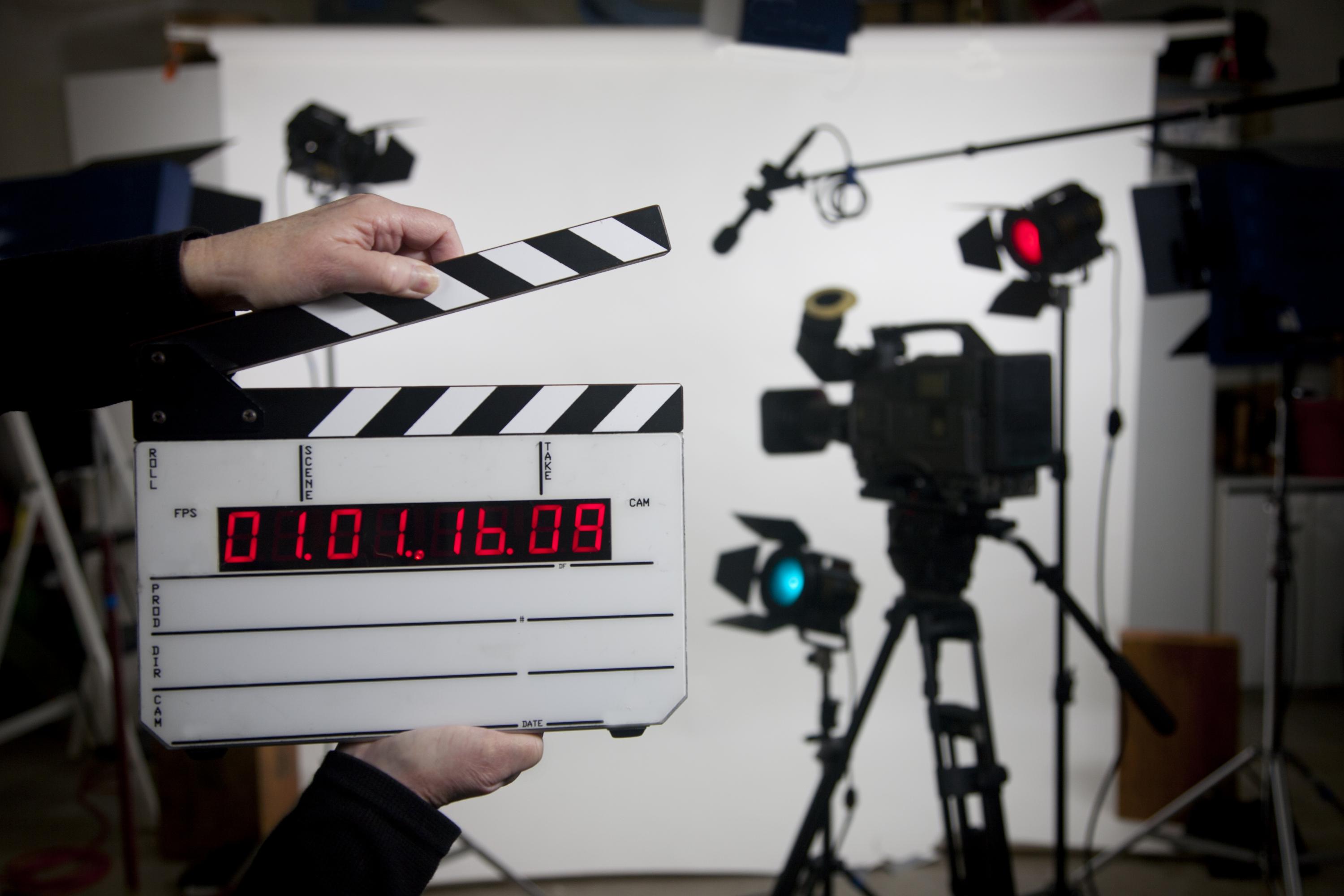
Audio and video must match perfectly. Use a clapperboard or clap your hands to sync manually. Editing software can help align audio and video tracks.
Check sync before final editing. Misaligned sound makes videos hard to watch. Proper syncing improves the overall viewing experience.
Credit: news.gatech.edu
Shooting Settings And Formats
Shooting settings and formats shape the quality of your videos. Choosing the right options helps capture clear, smooth, and vibrant footage. These settings affect how your video looks and how easy it is to edit later.
Understanding resolution, frame rates, color profiles, white balance, and file formats makes a big difference. Each choice influences the final result and the editing process.
Resolution And Frame Rates
Resolution means the number of pixels in your video. Higher resolution gives sharper images but uses more storage. Common choices include 1080p (Full HD) and 4K (Ultra HD).
Frame rate is how many frames show each second. Standard rates are 24, 30, or 60 frames per second (fps). Lower fps looks cinematic. Higher fps creates smooth motion or slow-motion effects.
Color Profiles And White Balance
Color profiles define how colors appear in your video. Some profiles show natural colors, while others boost contrast and saturation. Choosing the right profile sets the mood and style.
White balance adjusts colors to match the light source. It stops videos from looking too blue or orange. Setting white balance correctly keeps colors true and natural.
File Formats For Editing
File format is the type of video file saved to your camera. Some formats are easy to edit, others keep more detail but need powerful computers.
Popular formats include MP4, MOV, and AVI. MP4 is widely compatible and good for most projects. MOV offers high quality but creates larger files. Choose a format that matches your editing software.
Planning And Storyboarding
Planning and storyboarding are the first steps in filming. They help organize ideas and prepare the shoot. This process saves time and avoids confusion on set. It also ensures the story is clear and visually strong.
Good planning makes filming smoother. Storyboards show each scene’s look and flow. This helps everyone understand the vision. Let’s explore key parts of this process.
Creating Shot Lists
Shot lists outline every camera angle and movement needed. They guide the crew on what to film next. Clear shot lists keep the team focused and efficient. Each shot is planned to tell the story well. This reduces mistakes and missed scenes during filming.
Visualizing Scenes
Storyboards turn ideas into pictures. They show how scenes will appear on screen. This helps directors and actors see the mood and action. Visualizing scenes helps fix problems early. It also improves camera placement and lighting choices.
Time Management On Set
Good planning controls how long each scene takes. It sets realistic schedules for shooting. Time management avoids rushing or long waits. It keeps the day organized and stress-free. This way, the crew works well and stays motivated.
Post-production Basics
Post-production is where your filmed footage comes to life. This stage shapes the story and style of your video. It involves organizing clips, fixing colors, and adding effects. These steps improve the final look and feel of your film.
Editing Software Options
Choose editing software that fits your skill and budget. Free options like DaVinci Resolve and HitFilm Express offer powerful tools. Paid software such as Adobe Premiere Pro and Final Cut Pro provide advanced features. Explore simple interfaces if you are new to editing. Good software helps you cut, arrange, and polish your clips easily.
Color Correction Tips
Color correction makes your footage look natural and consistent. Start by adjusting brightness and contrast to balance the image. Use color wheels to fix tint and temperature issues. Match colors across different shots for smooth transitions. Avoid extreme changes that can make scenes look fake. Small tweaks can greatly improve the mood of your video.
Adding Effects And Transitions
Effects and transitions add style and smooth flow between clips. Simple fades and cuts keep the video clean and easy to watch. Use effects like zoom or slow motion to highlight important moments. Avoid overusing flashy transitions that distract viewers. Balance effects with the story to keep your audience engaged.
Credit: www.123rf.com
Frequently Asked Questions
What Is Filming In The Entertainment Industry?
Filming is the process of capturing moving images using cameras. It forms the core of movies, TV shows, and commercials. Filming involves planning, shooting, and recording scenes to create visual stories. It requires technical skills and creative vision to produce engaging content.
How To Prepare For A Successful Filming Day?
Preparation includes script review, location scouting, and equipment checks. Schedule rehearsals and coordinate with the crew and cast. Ensure all permits and props are ready. Good planning reduces delays and enhances filming quality, making the day efficient and productive.
What Equipment Is Essential For Professional Filming?
Essential equipment includes cameras, lenses, tripods, lighting, and sound gear. Additional tools like gimbals and drones enhance shot creativity. Choosing the right gear depends on the project’s scale and style. Proper equipment ensures high-quality footage and smooth production.
How Does Lighting Affect Filming Quality?
Lighting controls mood, focus, and visibility in scenes. Proper lighting enhances depth and texture, making visuals appealing. Natural and artificial lights are used creatively to set tone. Poor lighting can ruin shots, so it’s crucial for professional filming.
Conclusion
Filming takes patience, planning, and creativity. Every shot tells a story. Keep your camera steady and your ideas clear. Practice helps improve your skills over time. Simple tools can make great videos. Enjoy the process and learn from mistakes. Share your work to get feedback and grow.
Filming opens doors to new experiences and memories. Keep exploring new angles and lighting. Your next project can be even better.